AI Reporting System

Daily Weather Kyiv + Brno → Telegram

An automated weather reporting workflow that retrieves data, formats it with AI, and sends daily updates to Telegram.
n8n OpenWeatherMap LLM (GPT-4o) Telegram API

Context & Problem

Business Case

Users want daily weather updates with clean, readable formatting, automated delivery, and support for multiple cities without manual checks.

The Challenge: Raw API responses are not user-friendly. Static templates are rigid. The system needed to generate dynamic, human-like weather reports automatically for multiple cities.

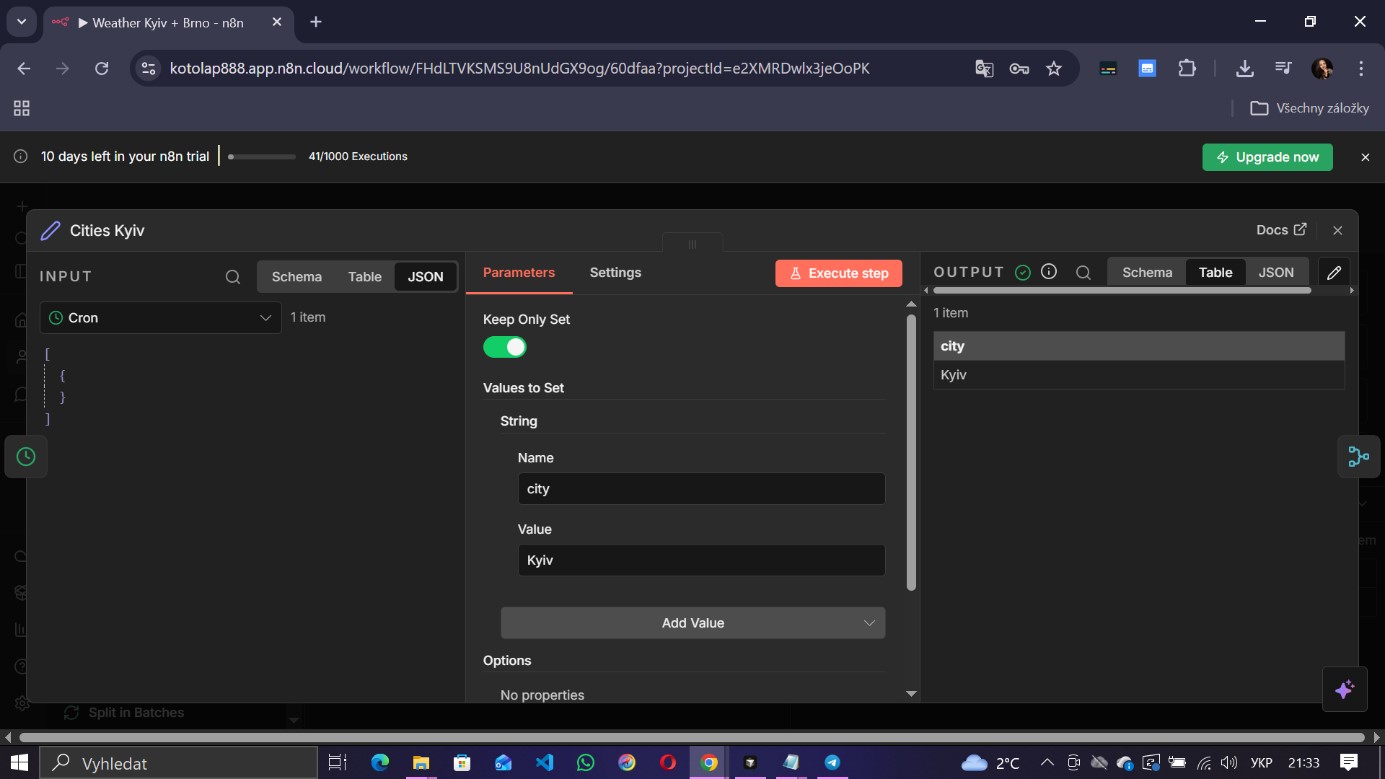
Goal: Build an automated system that runs daily, fetches weather data for Kyiv and Brno, formats the text using an LLM, and sends a structured message to Telegram.

Implementation

Architecture & Logic

The workflow is built in n8n. It triggers daily via Cron, creates city items, merges them, and uses the Split in Batches node to process each city sequentially. It fetches data from OpenWeatherMap, passes raw JSON to GPT-4o Mini for formatting, and sends the result via Telegram.
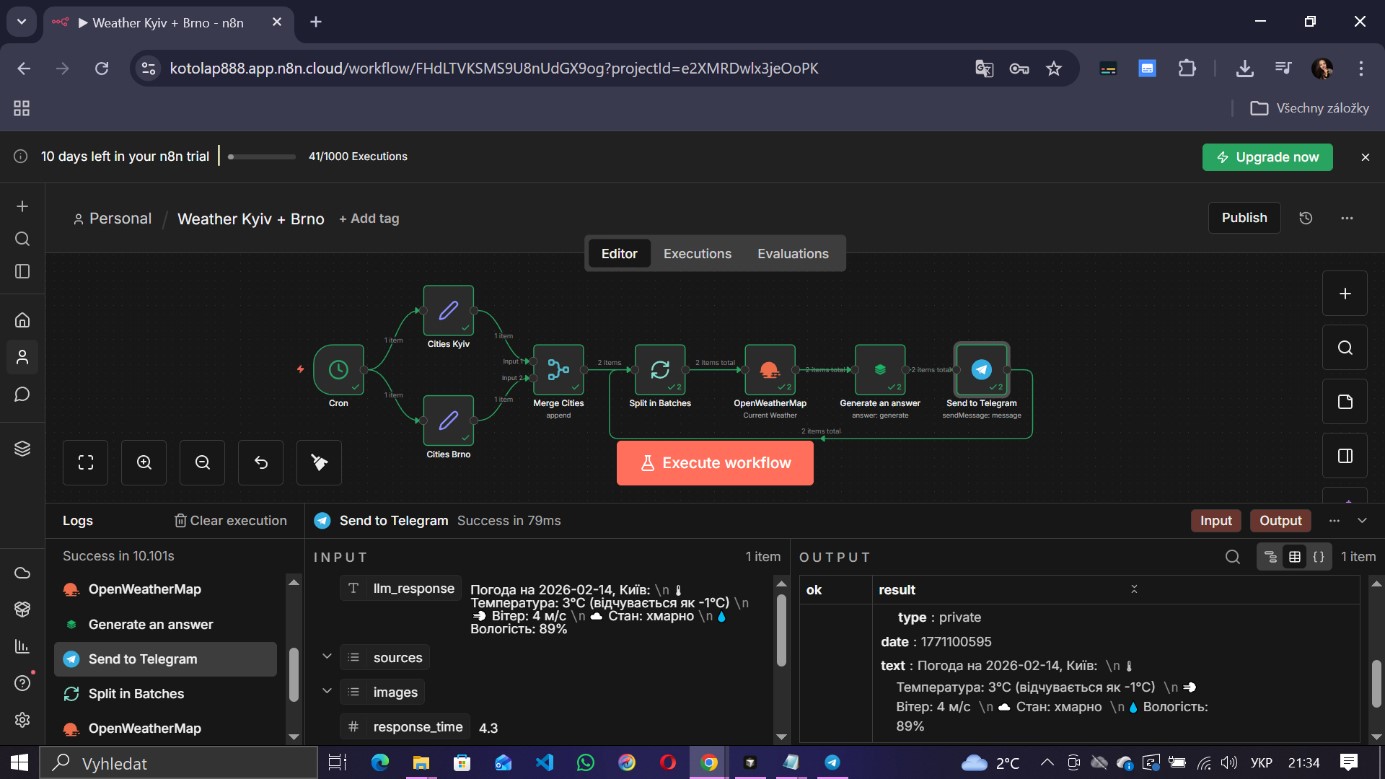
Workflow: Cron -> Split in Batches -> Weather API -> LLM
Fig 1. n8n Workflow with batch processing logic
Prompt / LLM Node
// LLM Prompt Structure
You are a weather assistant.
Generate a concise, friendly weather report for the city.

Input Data:
- City: {{$json.city}}
- Temp: {{$json.main.temp}}°C
- Feels like: {{$json.main.feels_like}}°C
- Wind: {{$json.wind.speed}} m/s
- Humidity: {{$json.main.humidity}}%
- Description: {{$json.weather[0].description}}

Output Format:
City Emoji + Name
Temperature line
Weather description
Advice (e.g., "Take an umbrella" if rain).
Output & Results

Real Production Output
Telegram Message: Formatted Weather Report
Fig 2. AI-generated weather message received in Telegram
Quantitative
  • Daily automation (08:30)
  • 2 cities processed
  • AI formatting (<3s)
Qualitative
  • Human-like text output
  • Stable loop architecture
  • Clean formatting
Business Value
  • Scalable notification engine
  • Travel & Logistics use cases
  • Zero manual reporting

Export Workflow

Download the ready-to-use n8n workflow JSON file. Import it directly into your n8n instance.